
To help our users analyze their subgroups’ activities in a specified timeframe, we built the Subgroup Filter Bar in Manage Subgroups.
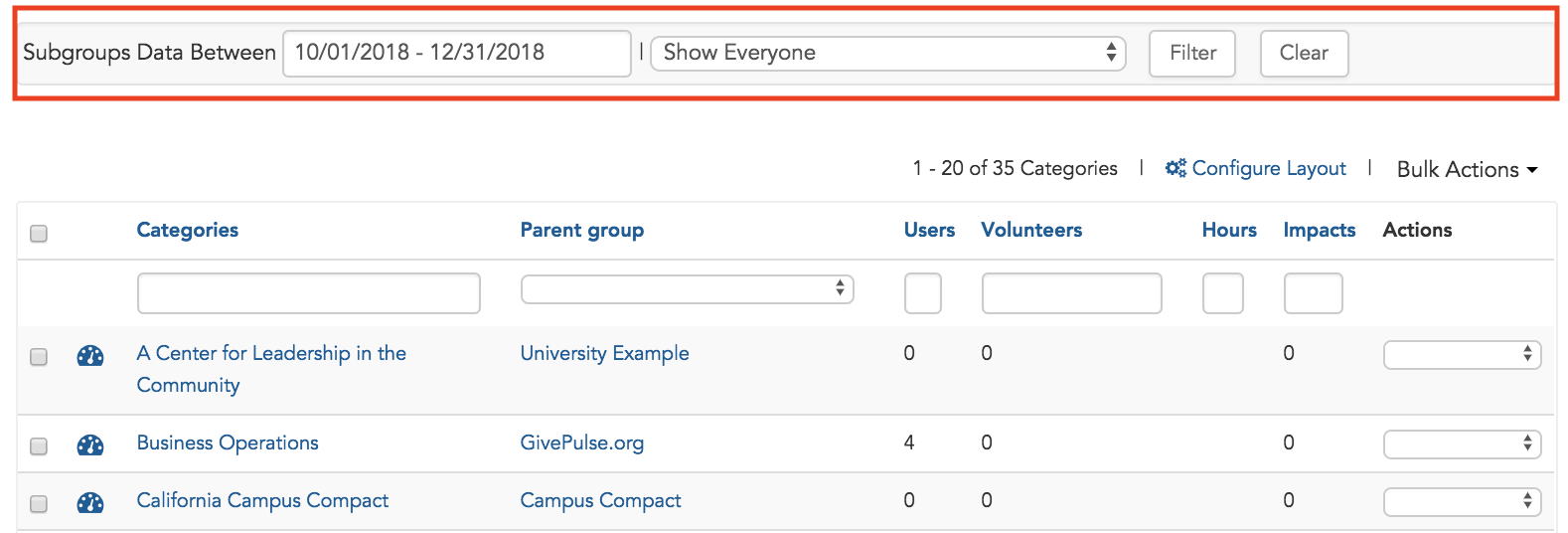
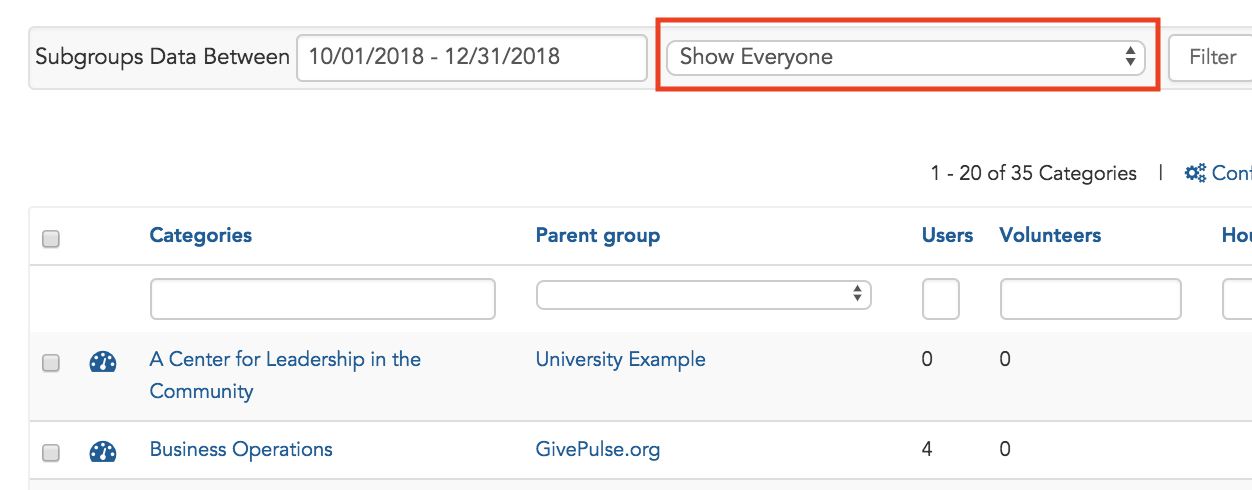
Show Everyone - If you select a date range and select "Show Everyone", this page will update the quantities in “User”, “Volunteers”, “Hours”, and “Impacts” column associated with the date range selected. Note: In the case these columns are not shown, you must "Configure Layout" and select the fields to be displayed.
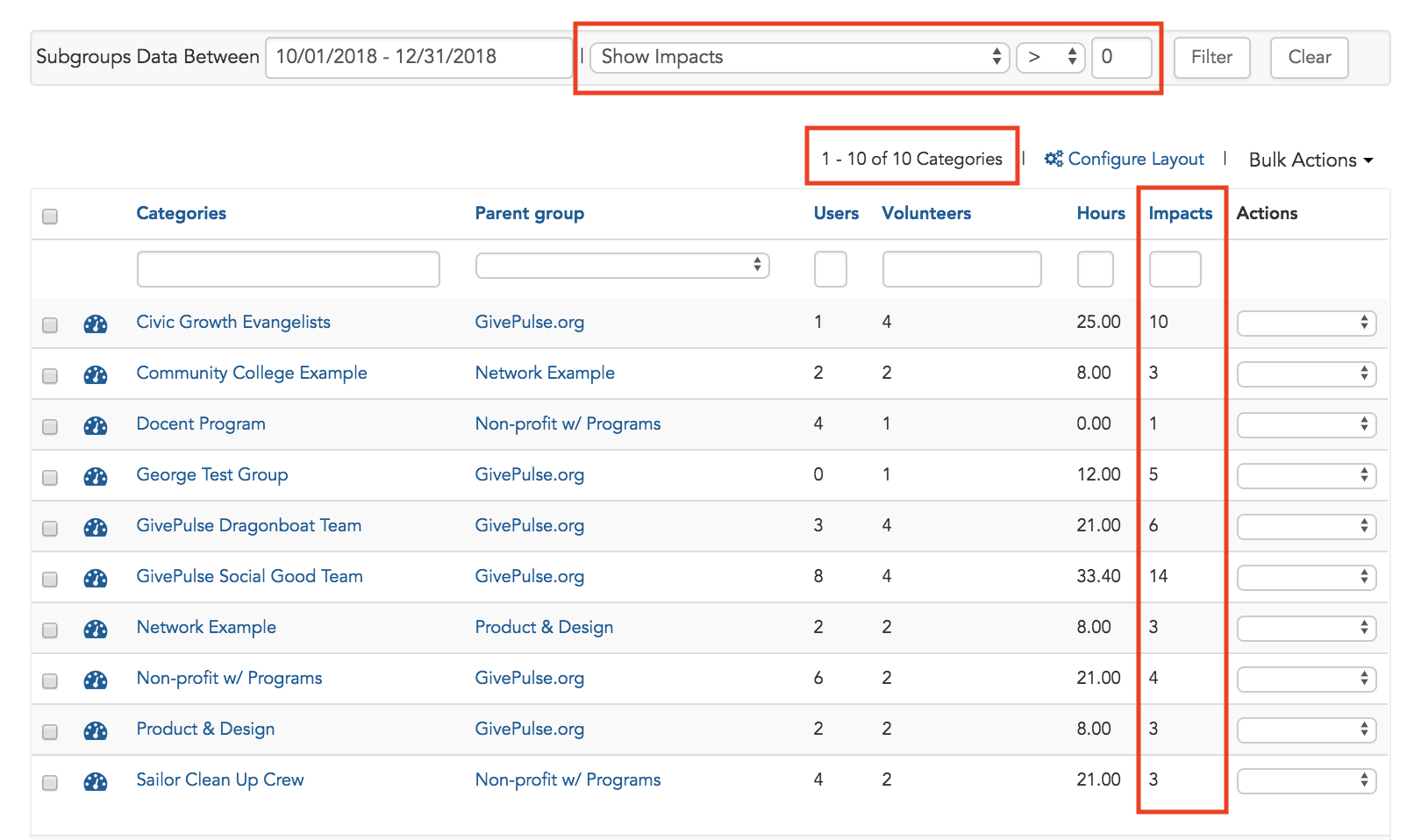
Filter Condition - If you select a date range and a filter condition, this page will update the quantitative fields described in the section above as well as filter by the condition selected. Below, by filtering by Impacts > 0 between the date range selected, the page will refresh and only show the 10 subgroups that fit the conditions selected.
Comments
0 comments
Article is closed for comments.